0:03
Pokémon want to save even more filament
0:05
waste when creating multicolor prints on
0:07
bamboo printers we printed one model and
0:09
wasted four bins of filament we printed
0:10
four models and wasted two bins but we
0:12
can save more can you guess how much
0:14
instead of purging all of your filament
0:16
to the waist bin why not use it as
0:17
support material instead you're going to
0:19
throw this out anyway so why have double
0:21
the waste in the bamboo Studio slicer go
0:23
to the others tab for your printer and
0:24
choose flush into object support as
0:26
expected this will push far less waste
0:28
into your printer's poop shoot and use
0:30
it as the model support instead if
0:31
you're using non-transparent filament we
0:33
can go one step further by also
0:35
selecting flush into objects infill this
0:37
means the insides of the object will be
0:38
a crazy mix of colors but the outside
0:40
shell will look just as you expect and
0:42
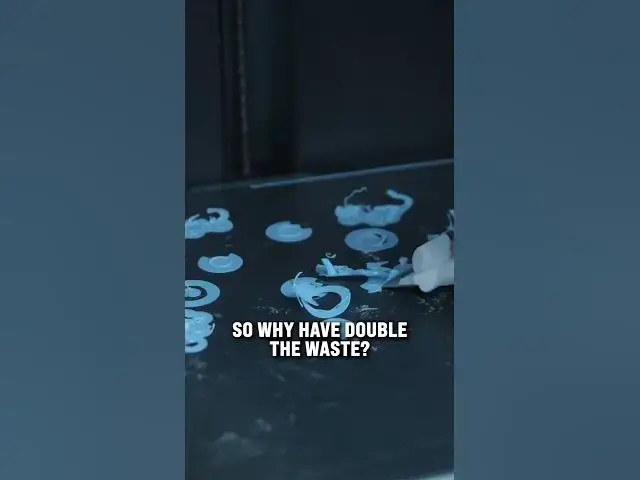
thanks to this these six Squirtle models
0:44
only had one bin of wasted filament and
0:46
also thanks to the used Purge material
0:48
in the infill these waist strands
0:50
weren't as dense as my previous models
0:52
so that's how you save waste and
0:53
filament what other printer tips would
0:55
you like and what Pokémon do you want to
0:56
see next did you get it right when I